

Most of your ATI account details can be changed from the Profile page in your student account. This article covers what you can change yourself, what needs ATI’s help, and where to go for each.
Update your account details
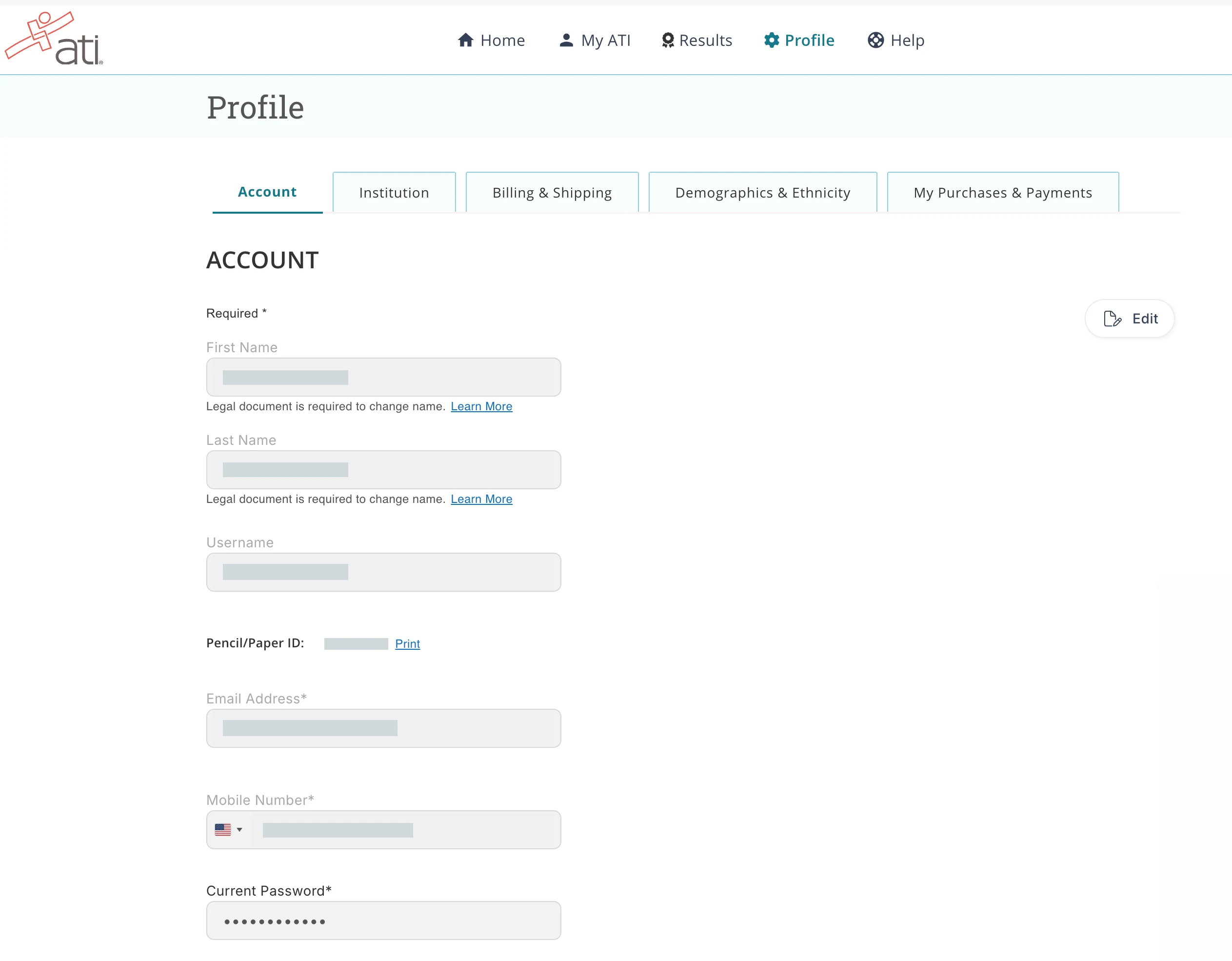
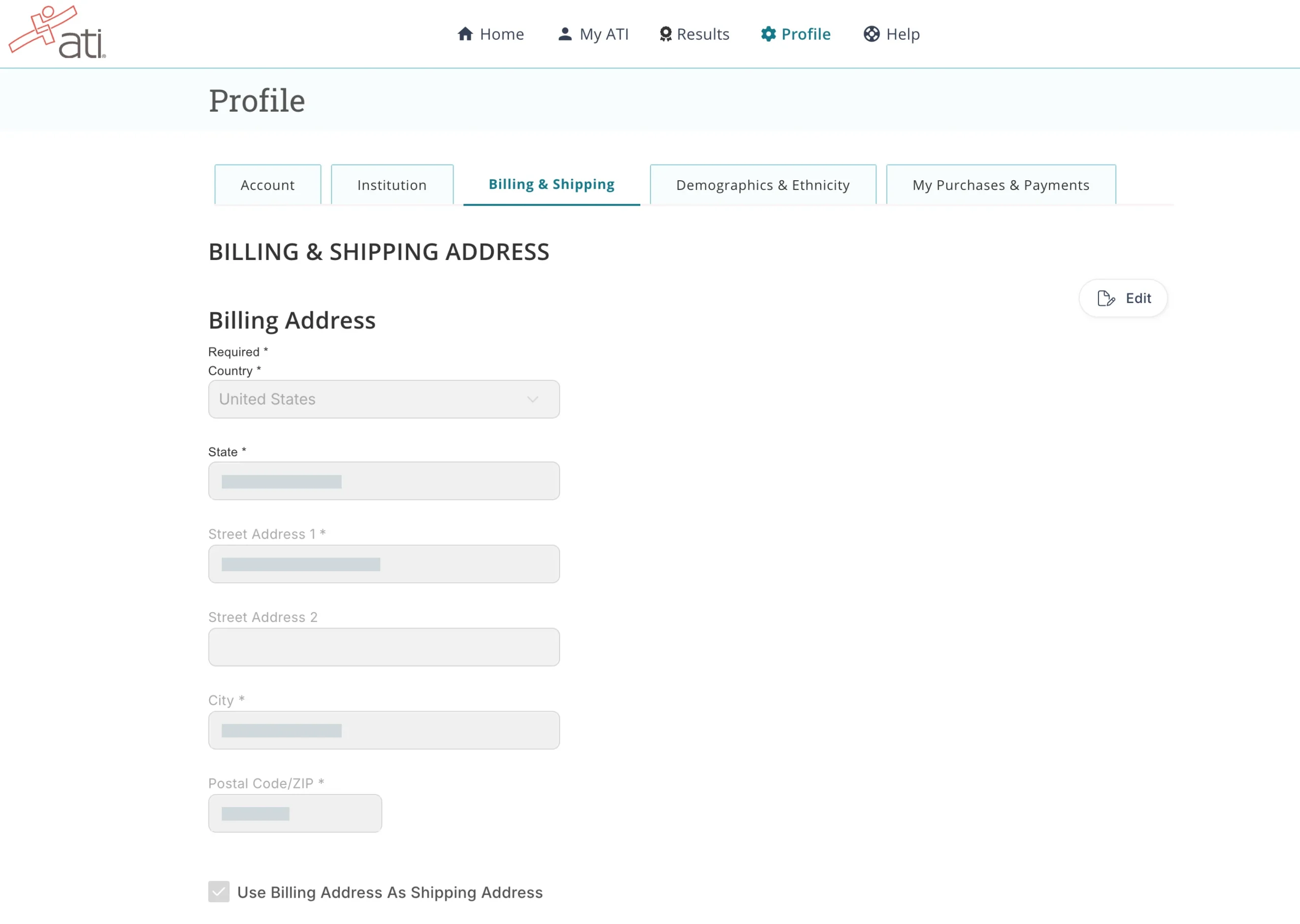
The Profile page has five tabs: Account (username, email address, mobile number, password, and your Pencil/Paper ID for paper exams), Institution, Billing & Shipping (your billing address, with a checkbox to use it as your shipping address for printed products such as the Study Guide), Demographics & Ethnicity (birth date is required; gender identity, primary language, and ethnicity are optional), and My Purchases & Payments.
- Sign in to your ATI student account.
- Click Profile in the top navigation.
- Open the tab you need, click Edit at the right, make your change, and click Save. Your first and last name are locked on the Account tab; see the name-change section below.
Profile page: Account tab
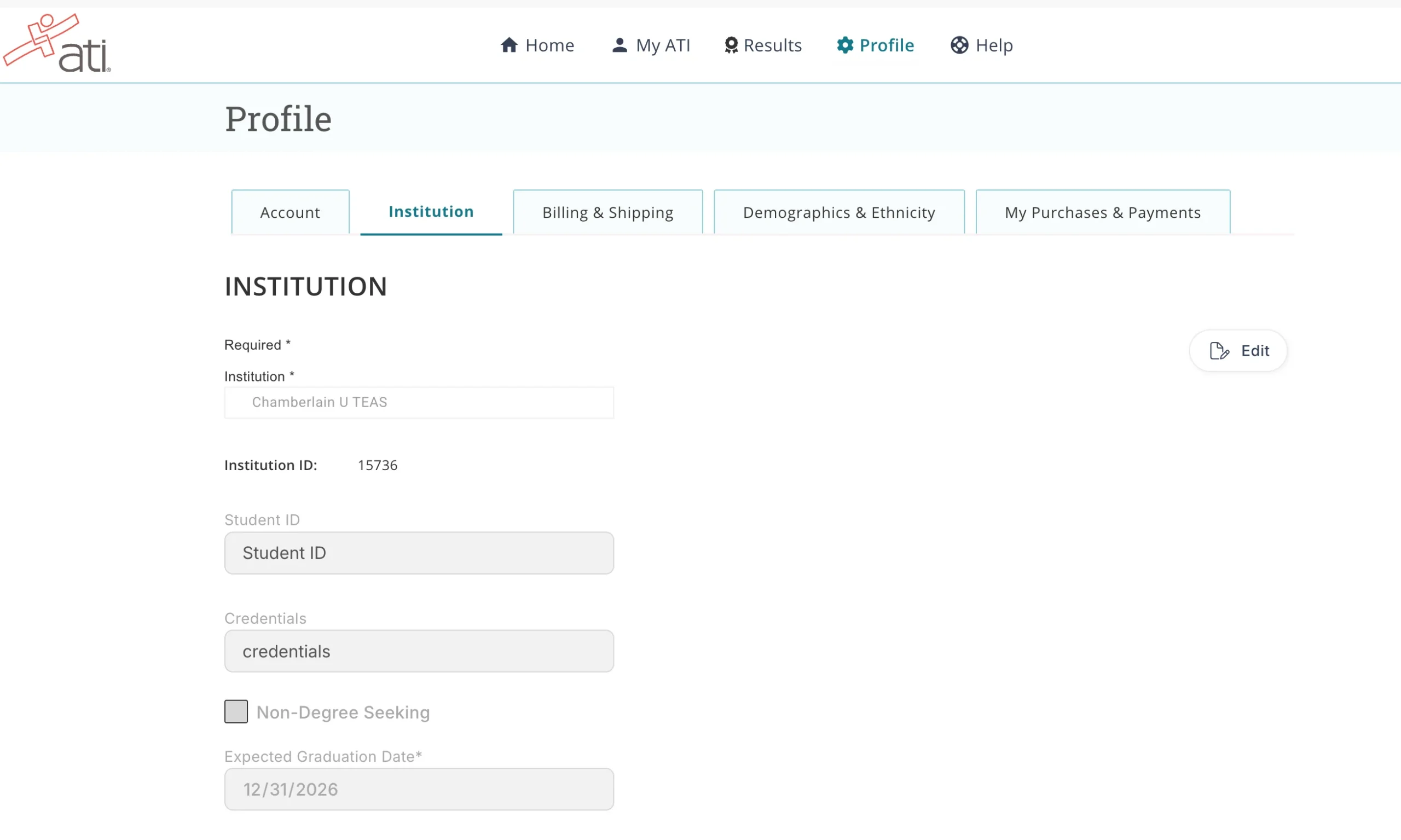
Profile page: Institution tab
Profile page: Billing & Shipping tab
Change your institution
Your institution is the school you are applying to. It controls which exam and prep items load in your account and where your transcript goes, so keep it current. On the Profile page, open the Institution tab, click Edit, search for your school, select it, and click Save. The same tab holds your optional Student ID and credentials, a Non-Degree Seeking checkbox, and your required Expected Graduation Date. If your school has more than one entry, use the one your school’s instructions name.
Institution tab in edit mode
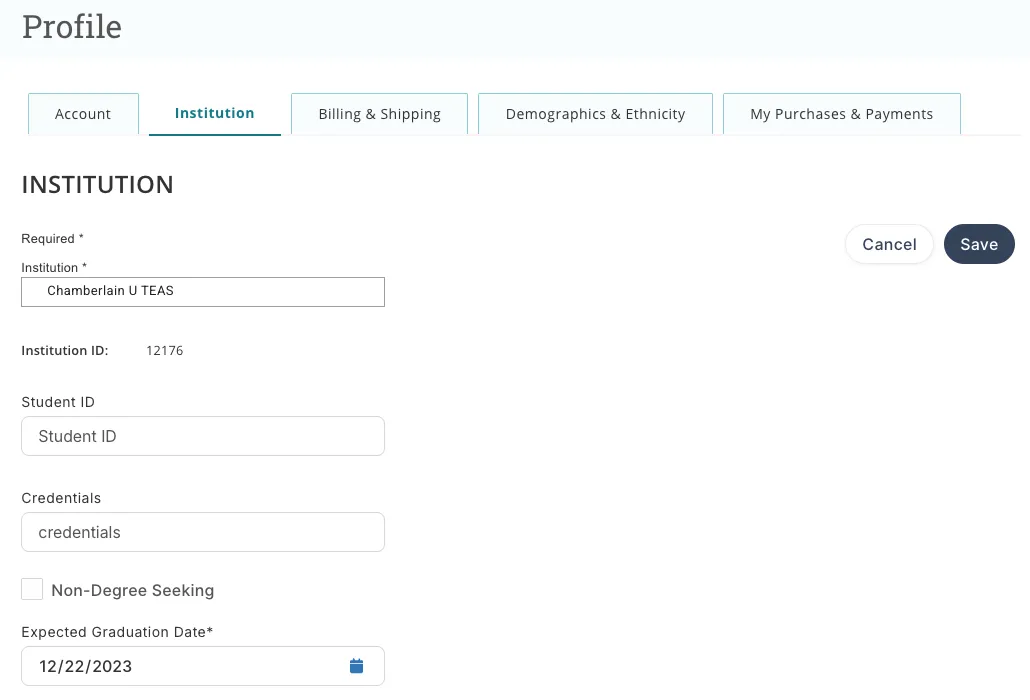
Chamberlain University applicants must select Chamberlain U TEAS, not an individual campus or program entry. How to create your ATI account for Chamberlain
Find your order history and receipts
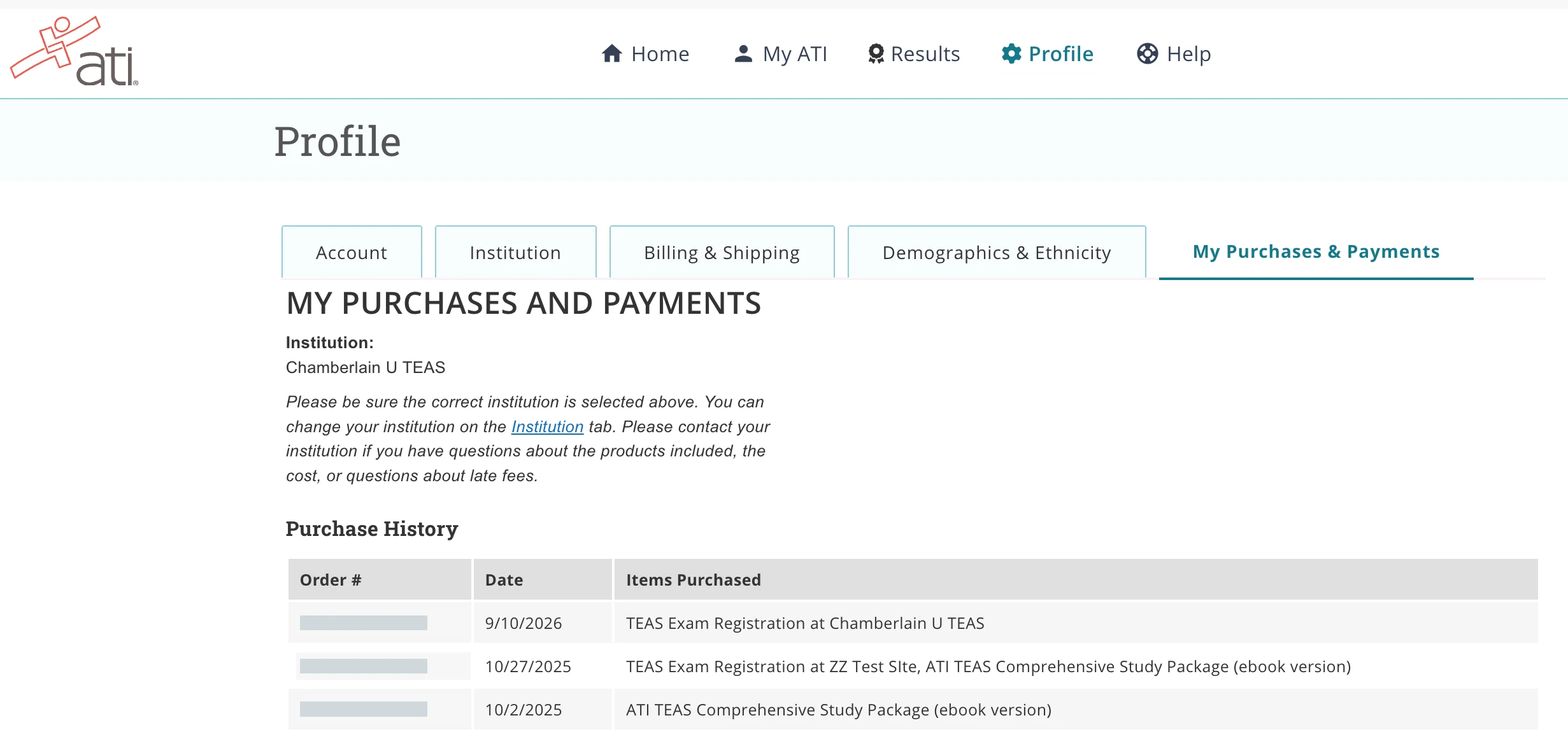
On the Profile page, open My Purchases & Payments. Your purchase history lists every order with its date and the items purchased, including exam registrations and prep products; click an order number to view that order. If your school billed you for products, cost, or late fees, contact the school; ATI cannot change those charges.
My Purchases & Payments tab
Forgot your username or password?
Use the reset page at student.atitesting.com/ResetPassword and follow the instructions. How do I reset my ATI username or password?
Change the name on your account
You cannot change your name yourself. The first and last name on your account must match your government-issued photo ID, so ATI requires documentation, and the request must be made at least 48 hours before your exam date (earlier is better). Email [email protected] with your ATI username, the current name on the account, your new name, and a photo of your ID or your official name-change document (marriage license, divorce decree, or similar). Black out confidential details, and do not send a Social Security card or number. How do I change the name on my ATI account?
Reactivate an inactive account
Call ATI Customer Support at 1-800-667-7531. Chamberlain University students should contact their school instead; the roster manager makes the change through the Canvas portal. How to activate an inactive ATI account
Don’t have an account yet? See How to create an ATI student account.