
TEAS at Institution is the ATI TEAS® taken in person at a school or testing center, usually on the center’s computers. You register and pay on atitesting.com for a session the school has posted, and your transcript goes to that school automatically.
Check with your school first. Some schools register students themselves instead of through atitesting.com. What to know before you register
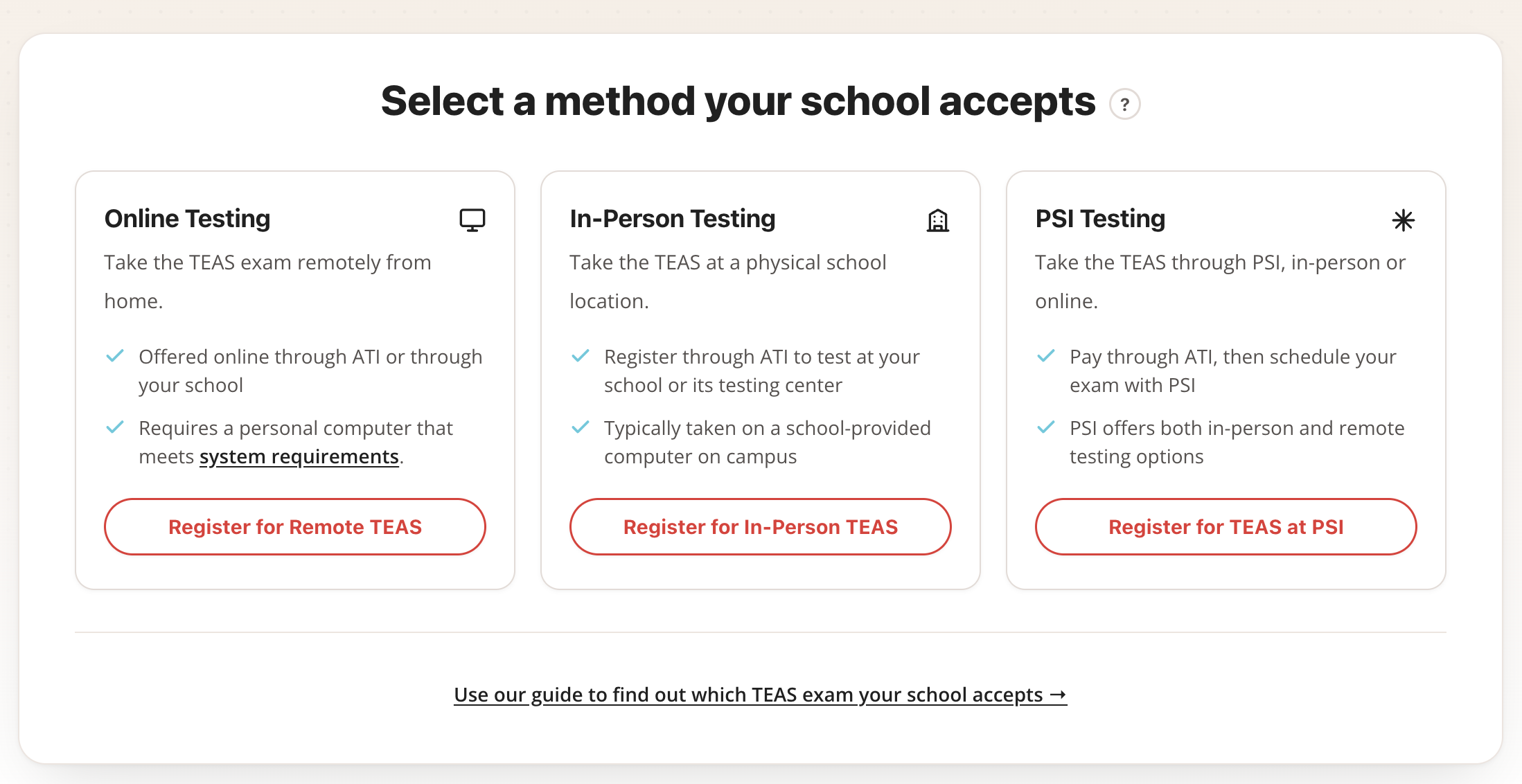
Step 1: Open the registration page and choose In-Person
Go to atitesting.com/teas/register and click Register for In-Person TEAS.
atitesting.com/teas/register — choose Register for In-Person TEAS
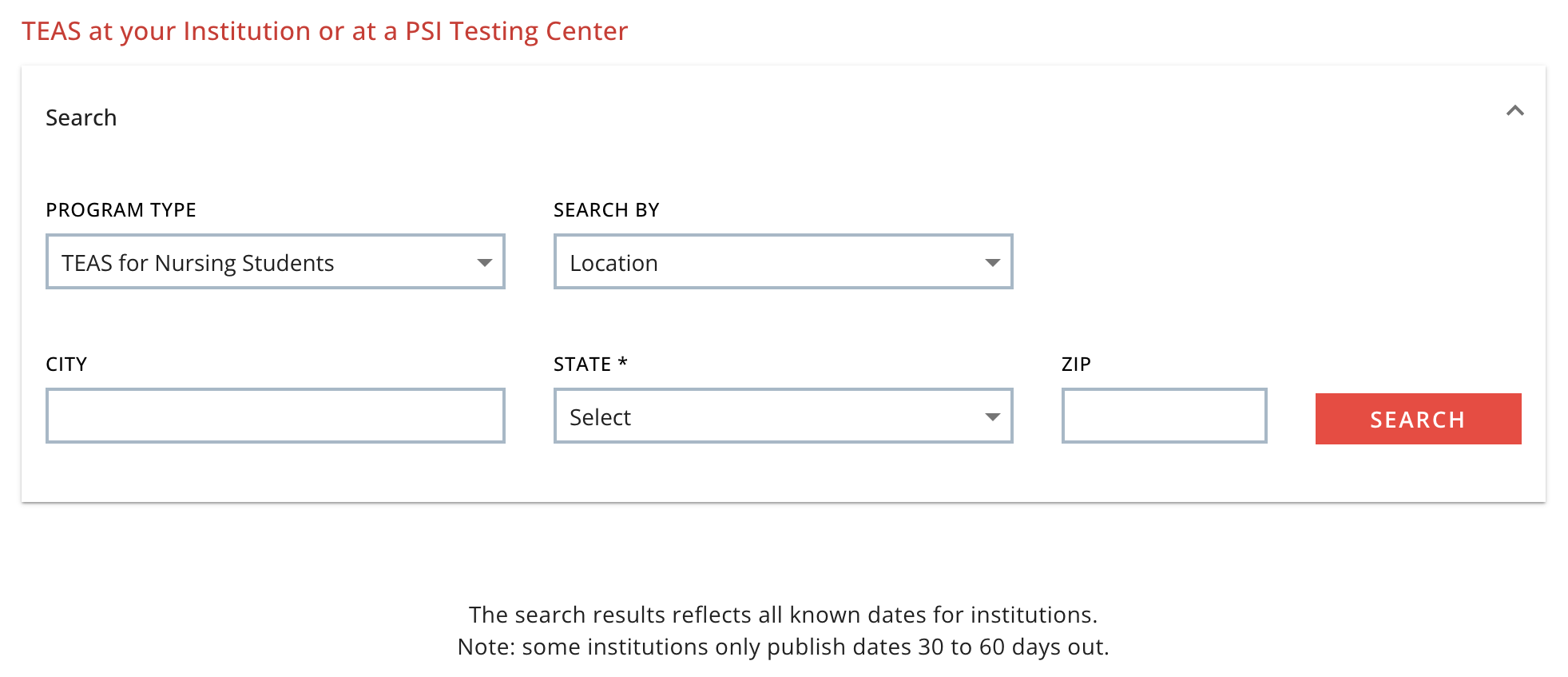
Step 2: Search for a session
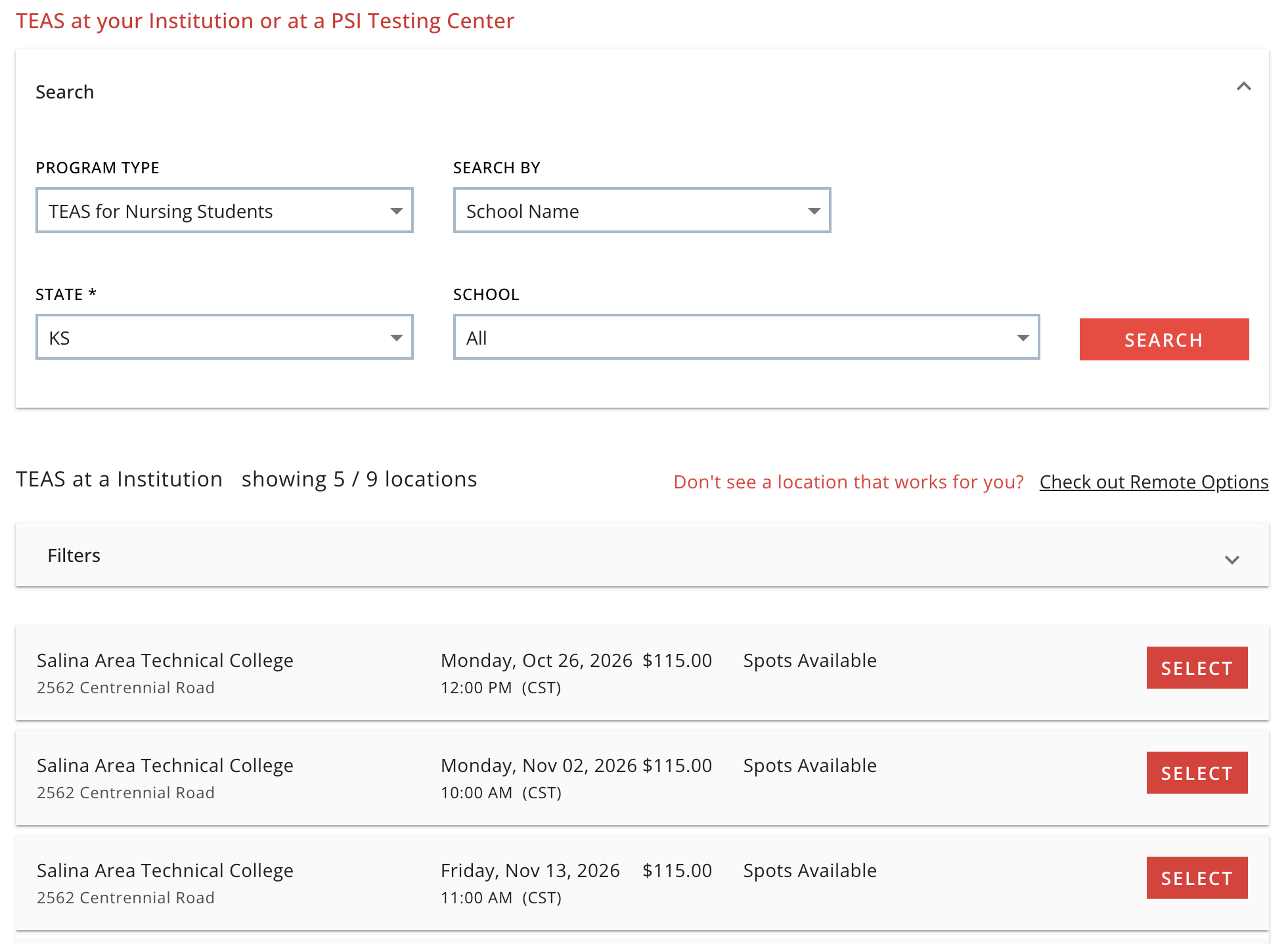
Choose your State (required), then click SEARCH. To narrow the list, add a city or ZIP, or change Search By to School Name. Results show each school or testing center, its address, the session date and start time, the fee the school has set, and whether spots are available. Use LOAD MORE or the Filters panel to see more dates.
Search form — State is required; Search By can be Location or School Name
Results — school, address, date, time, fee, Spots Available or Full
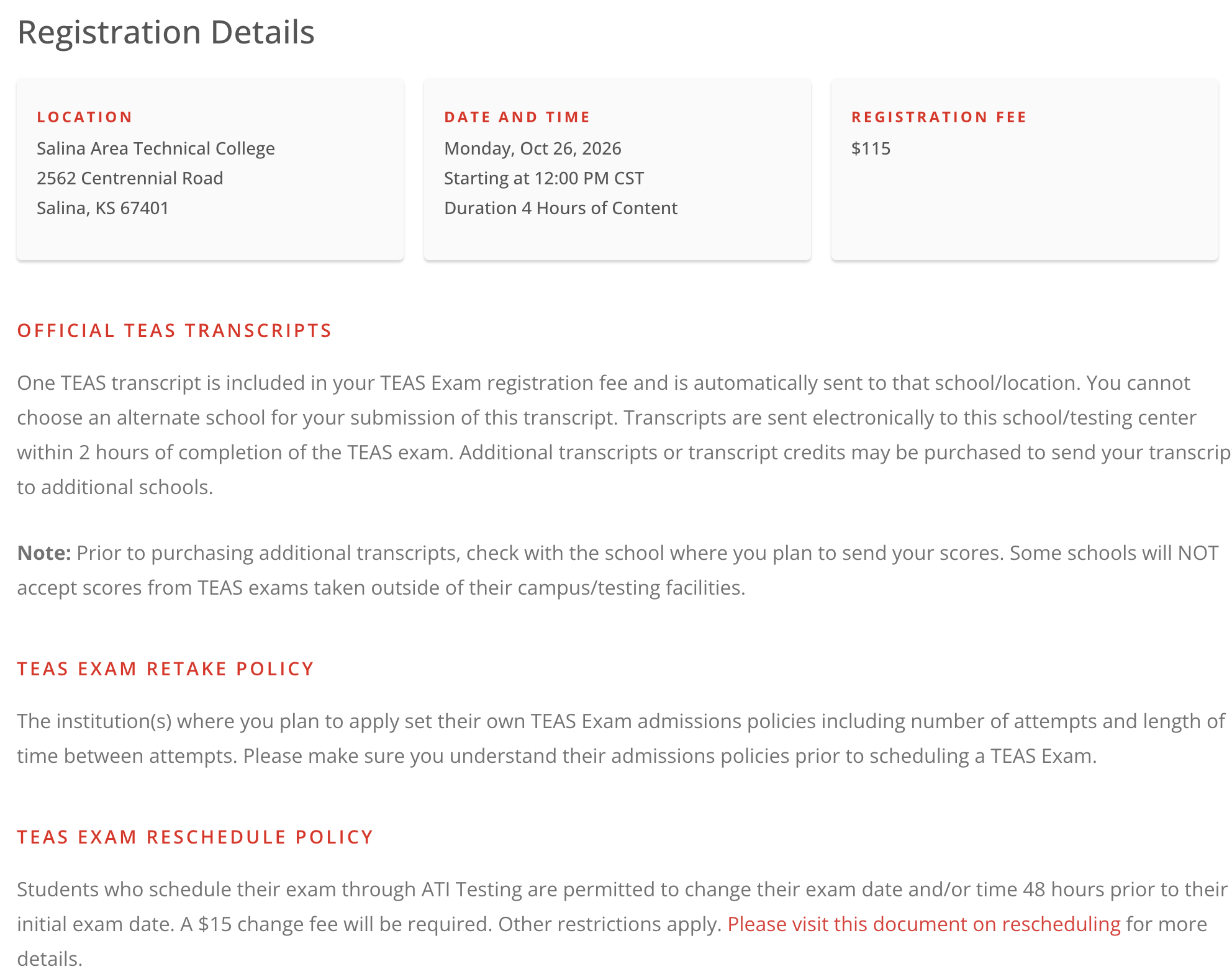
Step 3: Select your session and review the Registration Details
Click SELECT. Confirm the school, address, date, and time, and read the requirements: an ATI account and a physical government-issued photo ID whose name matches your registration. In-person sessions start on time — everyone begins together, and late arrivals cannot test.
Registration Details — location, date, time, fee, requirements
Step 4: Sign in and check out
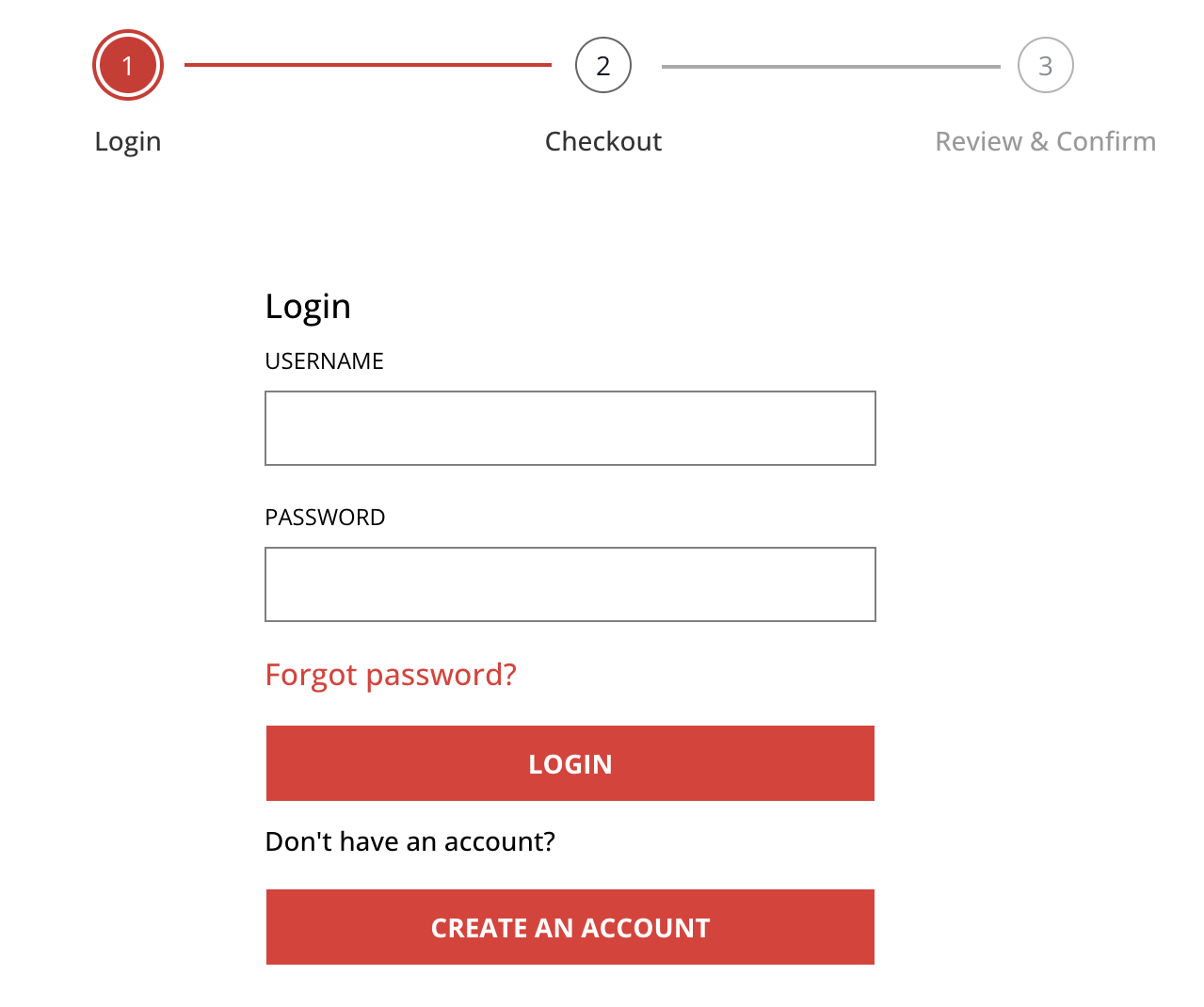
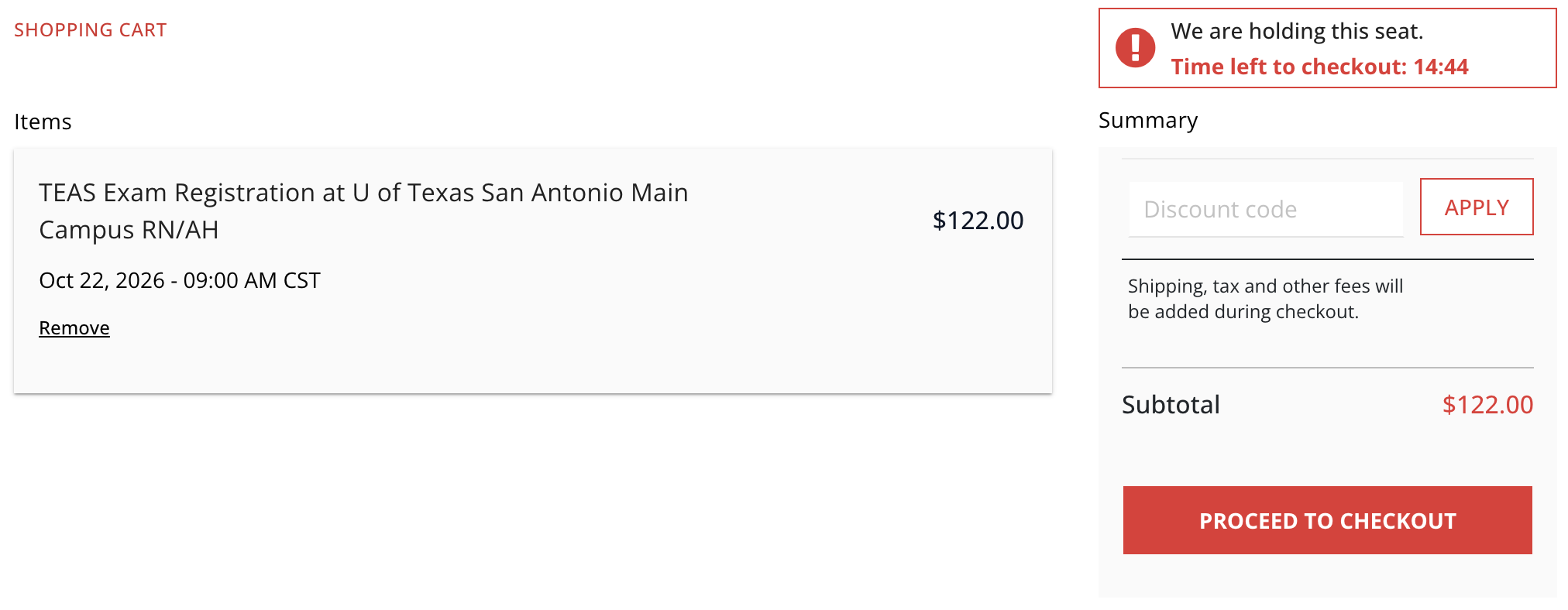
Click CONTINUE REGISTRATION. Your seat is held for 15 minutes while you check out; if the timer runs out, start the search again. Checkout has three steps:
- Login — sign in with your ATI username and password, or click Create an Account. Use your legal first and last name exactly as they appear on your photo ID; the proctor checks it at the door. How to create an ATI account
- Checkout — enter your billing and payment details.
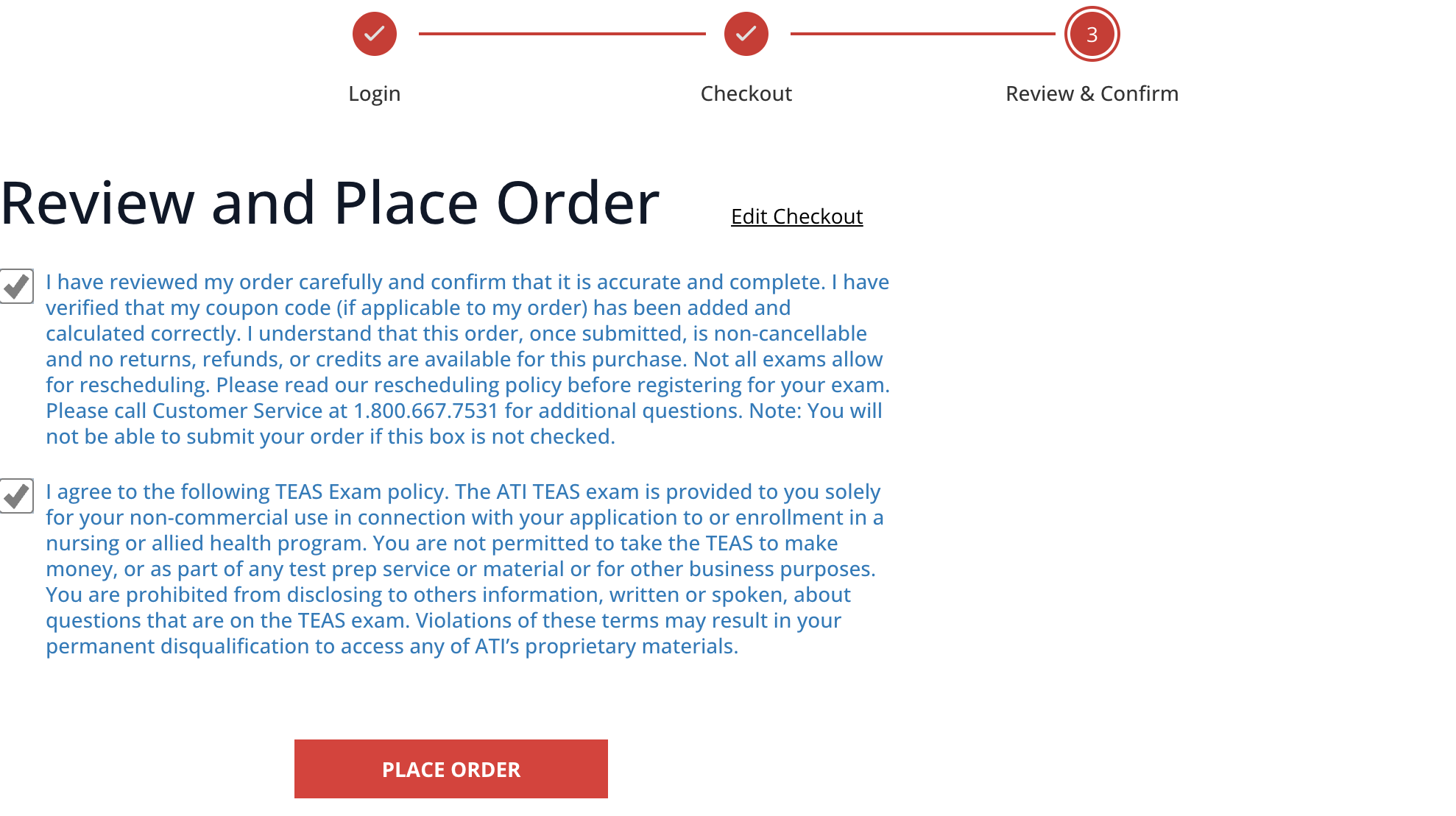
- Review & Confirm — check the exam, date, and time one more time, select both agreement boxes, and click PLACE ORDER.
Login step — sign in or Create an Account
Shopping cart — your seat is held for 15 minutes
Review & Confirm — select both boxes, then PLACE ORDER
The confirmation page and your receipt email (from [email protected]) list your exam, date, and time. Keep the email — it also has your getting-started steps.
On exam day
Arrive early. Bring your photo ID and know your ATI sign-in details. Most centers provide the computer, but some schools ask you to bring your own laptop — follow the instructions your school sends. What to bring to an in-person TEAS exam · TEAS exam day requirements
After you register
- Reschedule: at least 48 hours ahead, $15, within 30 days, at the same location. How to reschedule
- Name on your account: it must match your ID. How to fix it
- Transcript: sent to the school you tested at automatically. Send it to another school
All ways to register for the TEAS