
How to access the Dry Run for TEAS Online at Institution Exams using Proctorio
This a a quickstart guide for TEAS exams remote proctored (at-home) by a student’s school.

This a a quickstart guide for TEAS exams remote proctored (at-home) by a student’s school.
Forgot your ATI username or password? Use the reset page to recover your username or set a new password, and what to do if the email never arrives.
An error 1020 is typically caused if you’re accessing the ATI website outside of the US.
An error 3154 can be fixed by allowing cookies. Or if you’re taking a remote proctored test using Proctorio, adjusting the settings in Chrome.
An error 404 is typically fixed by reloading or refreshing the webpage.
If your TEAS at ATI exam is not on your Assessments tab, add it with the Assessment ID from your ATI email using Add a Product.
ATI recommends at least six weeks to study for the TEAS. A week-by-week plan, what to do with less time, and how to use practice tests to focus your study.
Respondus Lockdown Browser requires Rosetta to be compatible with some Mac devices
How to fix a webcam or microphone error when starting a remote TEAS exam: close other camera apps and allow camera and microphone access on Windows, Mac, and Chrome.
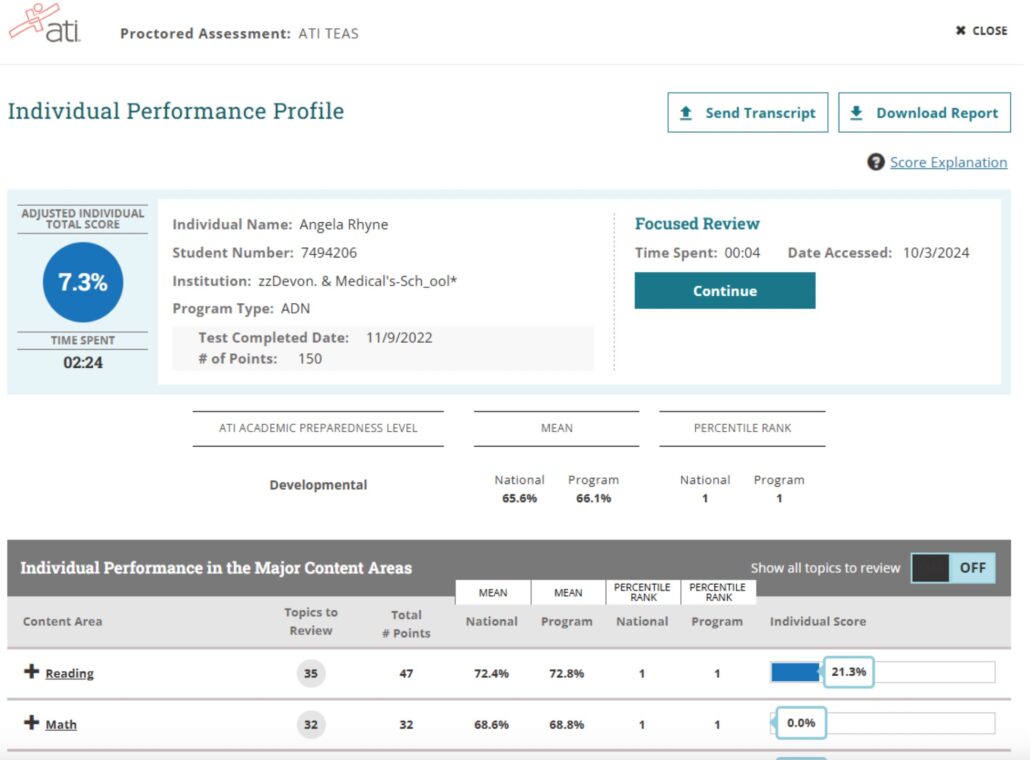
You will need to log into your ATI Student Account to view your scores and send a transcript following your